

The Instagram Edits AI Restyle tool lets you transform photos and videos with AI-powered effects and prompts. In some accounts, the feature may not appear right away or may not work properly because of rollout timing, app version, account eligibility, or temporary app issues.
If Restyle is missing or not working, first check whether the feature is available on your account and in your region. Then make sure your Instagram app is updated and your connection is stable. If the problem continues, follow the troubleshooting steps below to fix it.
Also explore: Fix Instagram Zoom In for a Sign Not Working
Why Is Instagram AI Restyle Not Showing?
Check out these reasons why the Instagram Edits app AI feature is not available.
- There might be some regional restrictions, as this feature is currently being phased out.
- Your Instagram app is not updated yet.
- You might be using an unsupported content format that should be less than 10 seconds.
Troubleshooting: AI Restyle Not Working or Stuck
These are some effective problem-solving tips to help you fix the “Instagram Edits app AI feature not available” error.
- Force Stop and Restart: Close Instagram completely, then open it again.
- Clear Cache and Data on Android: Go to Settings > Apps > Instagram > Storage and clear the cache. If needed, clear data as well.
- Update Instagram: Open the App Store or Google Play Store and install the latest version.
- Check Internet Connection: Switch between Wi-Fi and mobile data to test whether the issue is network-related.
- Reinstall the App: Delete Instagram and install it again if the app seems corrupted or stuck.
- Try a Supported File: Use a different photo or shorter video if the current file is not working with Restyle.
- Check Instagram Status: If the feature is still not working, check whether Instagram is having a temporary outage.
Pro Tips
If the AI Restyle output looks unnatural, try using a simpler image first and then adjust brightness, contrast, or crop settings after the AI edit is applied.
If the feature is still missing, update the app, sign out and back in, and try again later because the rollout may not have reached your account yet.
Instagram AI Restyle vs Old Filters
Here is a simple difference between AI Restyle and Instagram’s older filters.
| Feature | AI Restyle | Old Filters |
| Technology | Generative AI adjusts your media on the basis of your provided text prompts. | It only does preset adjustments, such as brightness, contrast, saturation, and tones. |
| Customization | Highly flexible, as users describe styles, like “watercolor,” “film noir,” and “Tokyo street at night.” | Limited, as it has fixed presets like Valencia, Clarendon, and X-Pro II. |
| Editing Scope | It can add, remove, or change elements, for example, swap outfits, remove distractions, or add effects. | It can only modify color tones, contrast, and lighting. |
| Output Style | It is an entirely new visual treatment while keeping the subject composition. | Consistent aesthetic overlay across photos. |
| Content Types Supported | Works with still images. Moreover, it has video support limited or experimental. | It works with both photos and videos. Moreover, AR filters were later added. |
| Ease of Use | Simple: type a prompt → AI generates a new version. | One-tap filter application, no text input. |
| Creative Range | Virtually unlimited, such as cinematic, fantasy, artistic, and surreal. | Nostalgic, consistent, but limited to preset looks. |
| Personalization | Highly personalized, unique to each prompt. | Standardized, same look for all users. |
| Impact on Engagement | Boosts storytelling, novelty, and content differentiation. | Created a recognizable “Instagram aesthetic” but less dynamic. |
| Availability | Rolled out in the EU first (2026), expanding globally. | Universal since Instagram’s early years. |
| Limitations | Dependent on prompt clarity. It may produce inconsistent results. | Old filters are predictable, but they are less flexible and innovative. |
Risks & Alternatives
- The Restyle AI feature may interfere with your feed aesthetics if your prompts change too much. On the other hand, Instagram filters ensure uniformity.
- In the Restyle AI tool, users need to type the command for what they want. However, they face challenges in comparison with one-tap filters.
- The quality of output totally depends on your provided prompt and understanding of AI. However, there are chances that AI misaligns with user intent.
Where Is the AI Restyle Tool in Instagram?
You can usually find Restyle inside Instagram Stories or in the Edits experience, depending on your account and app version. Open Instagram, go to Stories, choose a photo or video, and look for the Restyle option in the tools menu.
If you do not see it, update the app, sign out and back in, and check again later because the feature may still be rolling out to your account.
Check this if Instagram “Zoom In for a Sign” Trend Not Working
Does Instagram AI Restyle Work Outside the USA?
YES! Instagram has AI-powered restyling that works outside the US. But it is still limited to certain countries, such as:
- U.S.,
- Canada,
- India,
- Pakistan,
- South Africa,
- Nigeria,
- Zimbabwe,
- Australia,
- Ghana,
- Uganda,
- Singapore,
- Zambia,
- New Zealand,
- And Jamaica
In the remaining countries, this feature is still rolling out. So, I think by the end of 2026, this tool will be accessible to all.
New Features in Instagram AI Restyle
Instagram may update Restyle with new effects, prompt options, and editing improvements over time. If your version looks different, it may be because Instagram is testing or rolling out a newer build to selected accounts.
- Advanced AI Restyle (Stories): Users can easily apply AI effects, such as swapping certain elements like clothes or hairstyles.
- Object Removal & Manipulation: You can also erase unwanted objects from your provided photos. Plus, you can add new elements with text prompts.
- Cinematic Presets: Instagram AI Restyle has new Super HD” glow filters and flash film looks.
- AI Transition (Photo Morphing): AI automatically generates a smooth transition video between two or three still photos on your Instagram stories.
- Enhanced “Edits” Integration: It now provides a customized inspiration feed, weekly AI-generated ideas, and deeper follower insights for personalized project-based themes.
Quick Fix – How to Accerestyle workss Instagram Edits AI Restyle (3 Steps)
Follow these instructions to access Instagram AI Restyle. Here, we are using an iOS device to perform these steps.
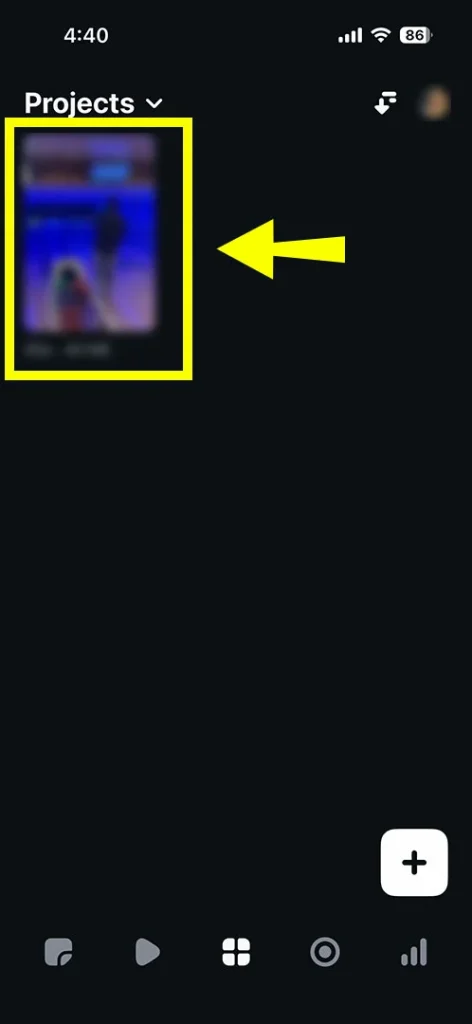
- Open the Edits app and pick your project.
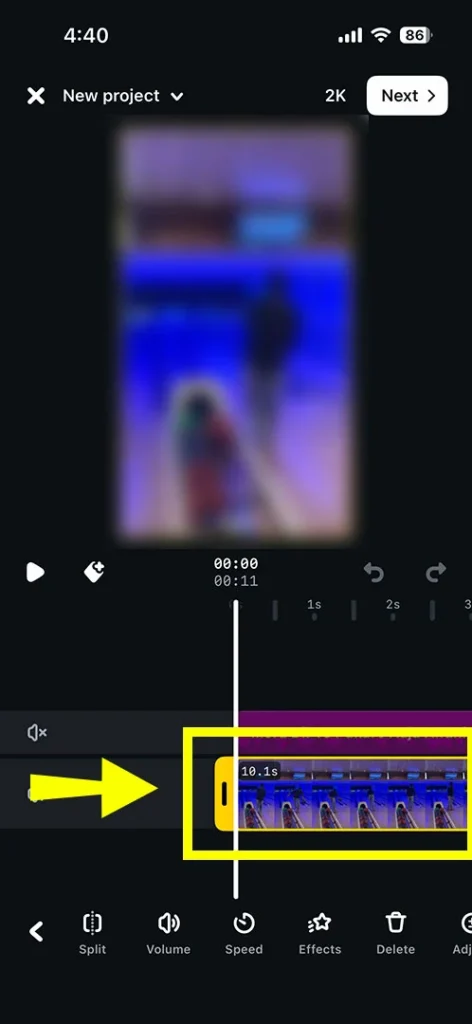
- Choose your video clip under 10 seconds.
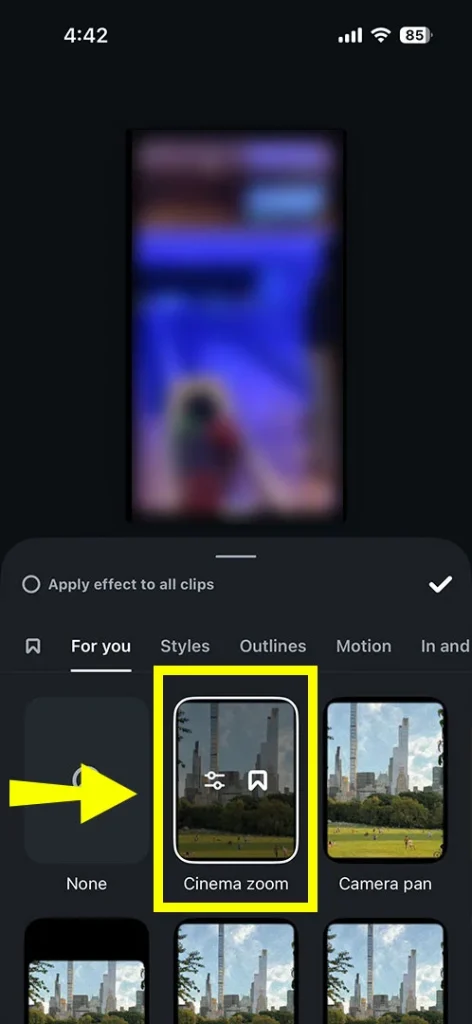
- Apply the effect as per your demand.
Most Common Questions Along With Their Answers
Read on for some additional FAQs on Instagram AI effects not showing.
Q1. Why is the Instagram AI Restyle tool not working on my account?
Ans. There are some common reasons why this AI Restyle feature is not working on your account.
- In your region, this feature might not be fully rolled out properly.
- You are utilizing an older version of Instagram.
- There might be a few technical glitches.
- You are using certain types of images where this feature is unavailable.
- You have crossed the daily limits of AI usage.
Q2. How do I enable AI Restyle in the Instagram Edits app?
Ans. Follow these workarounds:
- Access the Edits app.
- Choose your project.
- Opt for the specific video clip you are willing to edit.
Note! Make sure that your video clip is under 10 seconds.
- Tap on the Restyle icon.
- Choose a preset style or apply an effect according to your demand.
- Wait for some time to process the changes.
Q3. Is Instagram AI Restyle available only in the USA?
Ans. NO! This Instagram AI Restyle tool is not completely available in the USA. Although it was primarily focused there, it is now rolling out to select countries.
Q4. What app version is required for AI Restyle to work?
Ans. You must use the latest version, at least Android 8.0 or iOS 15.0, if you want to use the AI Restyle tool to work.
Q5. Can I use AI Restyle on business or creator accounts?
Ans. YES! This AI restyle feature is easily accessible to everyday users, creators, and business accounts. With this, you can smoothly improve visual content straightforwardly within their Instagram application.
Q6. What is the difference between AI Restyle and Instagram filters?
Ans. This AI Restyle feature is an AI-powered editing tool that redesigns photos and videos on the basis of user prompts. On the other hand, Instagram filters are built-in, fixed graphical overlays, or Augmented Reality (AR) effects that modify colors or simply add elements.
Q7. How do I fix Instagram AI editing tools not loading?
Ans. You can simply try out these troubleshooting approaches:
- Update your Instagram app.
- Clear the cache.
- Try to log out and then sign in again.